

A couple of weeks ago, one of our developers fixed a keyboard focus bug in AAArdvark without opening AAArdvark.
The bug was ours. When a form save got rejected, the page re-rendered and keyboard focus dropped to the top of the document. Keyboard and screen reader users lost their place and had to tab all the way back down to find out what went wrong. It was filed as a manual issue in our own workspace: the kind of thing a scanner can’t catch and a person has to find.
The developer pulled the issue into their coding agent through our MCP (Model Context Protocol) server, read the fix guidance that came with it, and shipped the fix. No copying selectors out of a browser tab. No pasting instructions into a chat window.
That developer is not an accessibility expert. Most of my team wouldn’t say they are; thanks to working with me, they know more about accessibility than the average developer, but the developers don’t spend their days in a screen reader. But the fix still worked, and the reason it worked is exactly what most of the industry is skipping.
The number I wrote about in May got worse in a specific way
More ARIA, more errors.
Back in May I wrote that AI isn’t the accessibility problem. I cited the 2026 WebAIM Million report: 95.9% of the top million home pages have detectable WCAG (Web Content Accessibility Guidelines) failures, up from 94.8% the year before, reversing six years of slow improvement.
I didn’t spend much time on one detail in that report, and I should have. ARIA attributes went up 27% in a single year. And pages that use ARIA (Accessible Rich Internet Applications, the attributes you add to HTML to describe roles and states to assistive technology) averaged 59.1 errors, against 42 on pages that don’t use it at all.
More ARIA, more errors. WebAIM has reported the same gap in previous years, and it keeps holding. ARIA is easy to misuse, and the web is now using a lot more of it.
WebAIM’s own conclusion this year names the likely cause: “increased reliance on 3rd party frameworks and libraries and automated or AI-assisted coding practices (‘vibe coding’).” That’s the report’s language, not mine.
Then the industry handed AI a scanner
Over the summer, several accessibility tools shipped MCP servers, ours included. The pitch is roughly the same across all of them: connect your AI coding agent, and it can scan your site, see the failures, and fix them.
MCP is a real step forward. It gets accessibility findings out of a dashboard nobody checks and into the place where code actually gets written. I’m glad the category moved, and I’d rather have every vendor doing this than none of them.
But I keep coming back to a question the pitch skips over. Once the agent has the finding, what does it do with it?
What an agent does with a rule ID and a DOM node
The pipeline is not fixing the regression. It’s automating it.
A scanner produces a rule ID, a selector, and a snippet of HTML. That’s it. Hand that to a coding agent with no other context, and the agent does what it was trained to do: it reaches for the fix pattern it has seen most often.
For accessibility, that pattern is ARIA. Missing button name? Add aria-label. Custom dropdown that doesn’t announce? Add role=”listbox” and a stack of aria-expanded and aria-activedescendant. The agent has seen ten thousand examples of accessibility being “fixed” this way, because that’s how the web fixes it, and 95.9% of the web’s home pages fail.
Nobody in that loop knows that the right fix for most of these is a real button, a real select, a real label. Semantic HTML first, ARIA only when HTML can’t do the job. That’s the first rule of ARIA, and it’s the rule agents skip most reliably, because a rule ID doesn’t carry it.
So the scanner finds the failure, the agent adds ARIA, the scanner reports the rule as passing, and WebAIM counts more ARIA and more errors the next year. The pipeline is not fixing the regression. It’s automating it.
What we handed ours instead
When I built the guidance layer for our MCP server, I did it on purpose and I did it for beginners.
The remediation guidance attached to AAArdvark’s issues, automated and manual alike, is something I wrote and curated by hand. Not a link to the WCAG technique. An actual explanation of what’s wrong, what to change, and what to try first. The guidance says to reach for semantic HTML before ARIA, and it says why. The MCP server hands all of that to the agent along with the exact instance and the exact HTML.
That’s why a developer who isn’t an accessibility expert could fix a keyboard focus bug correctly. They didn’t get lucky, and the agent isn’t especially smart. What it was handed included the judgment an expert would have applied.
It’s not foolproof. Sometimes the agent reads the guidance and then ignores it. One of our developers has gotten into the habit of asking, “Did you follow the guidance from AAArdvark on that?” and the agent will cheerfully answer, “No, I didn’t.” Then it goes back and does it properly. The guidance works. It works better when a human checks that it was used.
Nobody in this loop has a disability
Here’s what unsettles me about the fully automated version of this. An agent writes the component. An agent scans it. An agent fixes it. An agent marks it resolved. At no point does a person who uses a screen reader, or voice control, or a keyboard alone, touch anything.
A scanner measures the proxy. A person measures the goal.
Step back and remember what accessibility is for. It exists so that a person with a disability can read the information, fill out the form, book the appointment, or buy the thing, on the same terms as everyone else. Equal access to services and information. That’s the whole point, and everything else, WCAG included, is a way of checking whether we got there.
A scanner measures the proxy. A person measures the goal. The focus bug that opened this post was never going to show up as a rule ID. A person found it, because only a person using the keyboard would notice they’d lost their place. Manual testing is the only step in the process that answers the real question, which makes it a strange thing to treat as optional.
And the people doing that testing should include people with disabilities. Not as a final gate before launch, and not as a checkbox, but as testers, reviewers, and the people you ask when you’re not sure. Someone who uses a screen reader every day will catch things a sighted developer running a screen reader for an afternoon will miss, because they aren’t guessing at what the experience is supposed to feel like. They know.
None of that is an argument against the tooling. It’s an argument for being clear about what the tooling is for. If the expertise isn’t going to be in the room while the agent works, it has to be in the pipeline: encoded, written down, handed over with every finding. And when the agent is done, the loop still has to pass through a person before anything gets marked resolved. Otherwise the agent fills the gap with whatever the web taught it, and we already know what the web taught it.
What closing the gap actually takes
I think it takes four things, and most tools only have the first.
Findings an agent can locate. Every MCP server in the category does this, and it’s useful.
Guidance an agent can act on: plain language, written by someone who has fixed that problem before, and put in priority order. That last part deserves an explanation, because “just link the WCAG technique” sounds reasonable until you watch what happens with it.
WCAG lists those options side by side. Experience ranks them.
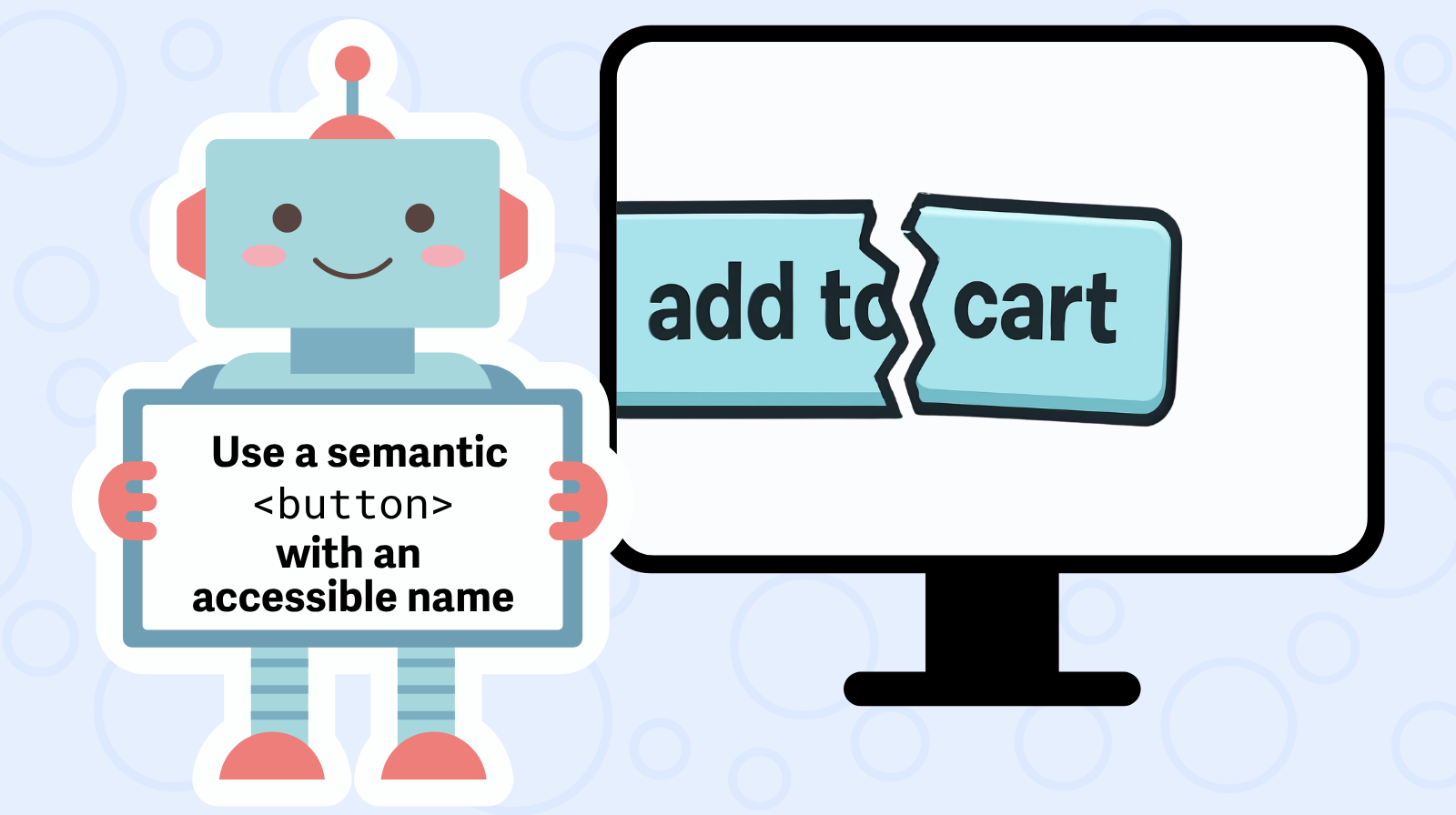
Strictly for conformance, a technique code is fine. WCAG lists several sufficient techniques for most success criteria and doesn’t rank them; pick any one and you conform. But conformance and accessibility aren’t the same thing, and in the real world some techniques work a lot better than others. A visible label beats aria-label on a form field, because a voice control user can see the label and say it. A native button beats a div with role=”button”, because it gets keyboard activation, focus, and form submission for free, and nobody has to remember to write any of that. WCAG lists those options side by side. Experience ranks them. Guidance that hands an agent the list without the ranking is handing it a coin flip.
A way to carry the tests a scanner can’t run. Keyboard traps, focus order, whether the alt text says anything useful. Our focus bug was a manual finding, and the MCP server handed it over exactly like an automated one.
Verification that re-checks instead of asserts. A rescan after the fix. Ideally a person after the rescan.
We’re also working on AI-generated fix suggestions, and I’ll be honest that the hard part hasn’t been getting the model to suggest something. It’s been teaching it when not to.
The question to ask
The AAArdvark MCP server is in beta, and access is by request. But this post isn’t really about ours.
If you’re evaluating any accessibility tool that now talks to your coding agent, ask one question: besides the finding, what does it hand the agent? If the answer is a rule ID and a selector, you’ve bought a faster way to add ARIA.
The web got less accessible this year, and the tooling response so far has mostly been to find the same problems faster. I’d like next year’s number to go the other direction. That will take handing the agent something better than a scanner.
Want guidance inside your coding agent?
The AAArdvark MCP server hands your agent the finding and the guidance together, in the place where the code gets written.
No credit card required.
