The Accessibility Testing Tool That Streamlines Your Entire Audit Process
(Log, manage, and share accessibility issues - without the spreadsheet headaches.)
AAArdvark is the accessibility testing tool built to replace the messy combination of scanners, spreadsheets, and email threads that most teams use to manage WCAG audits.
No credit card required.
Simplify Accessibility Audits with the Audit Manager
Move beyond clunky spreadsheets and time-consuming workflows. With AAArdvark’s audit management suite, you can log rich and detailed accessibility issues, collaborate with your team, and manage everything from issue detection through remediation in one platform.
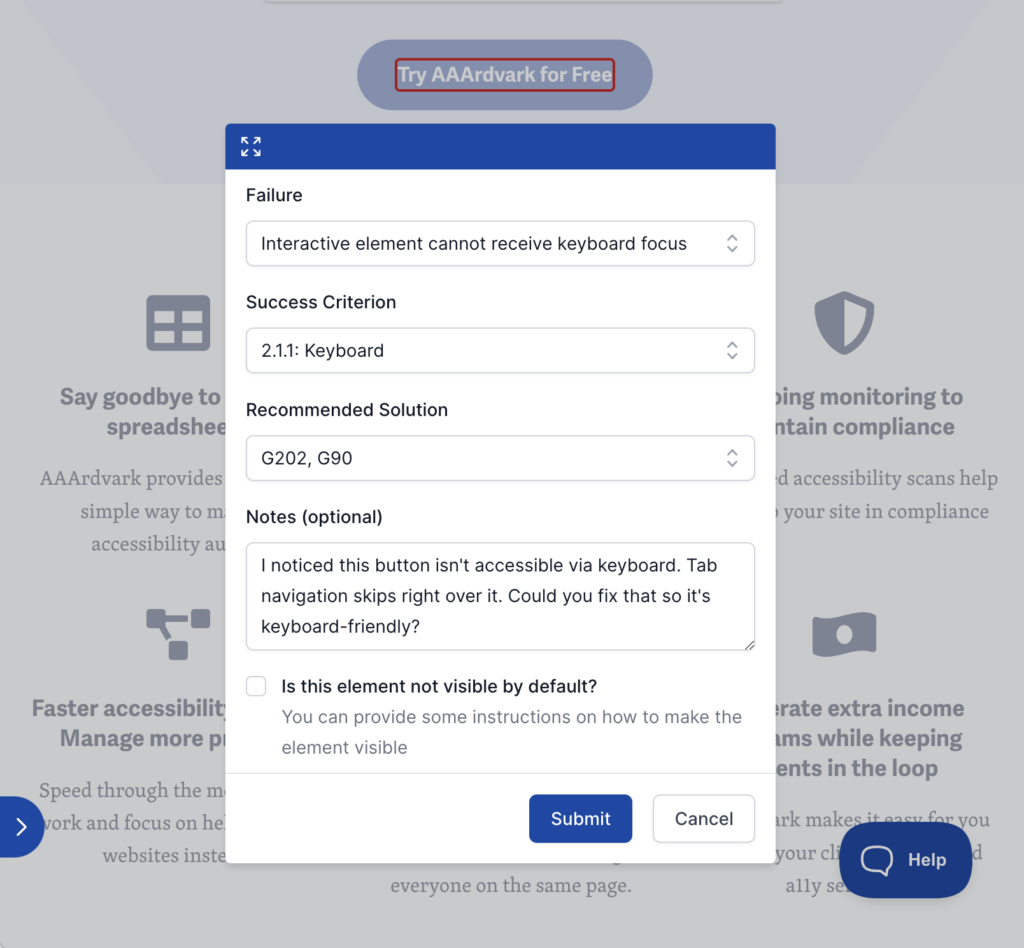
Efficient Logging: Reduce logging time by 80% with smart features that fill in repetitive fields automatically.
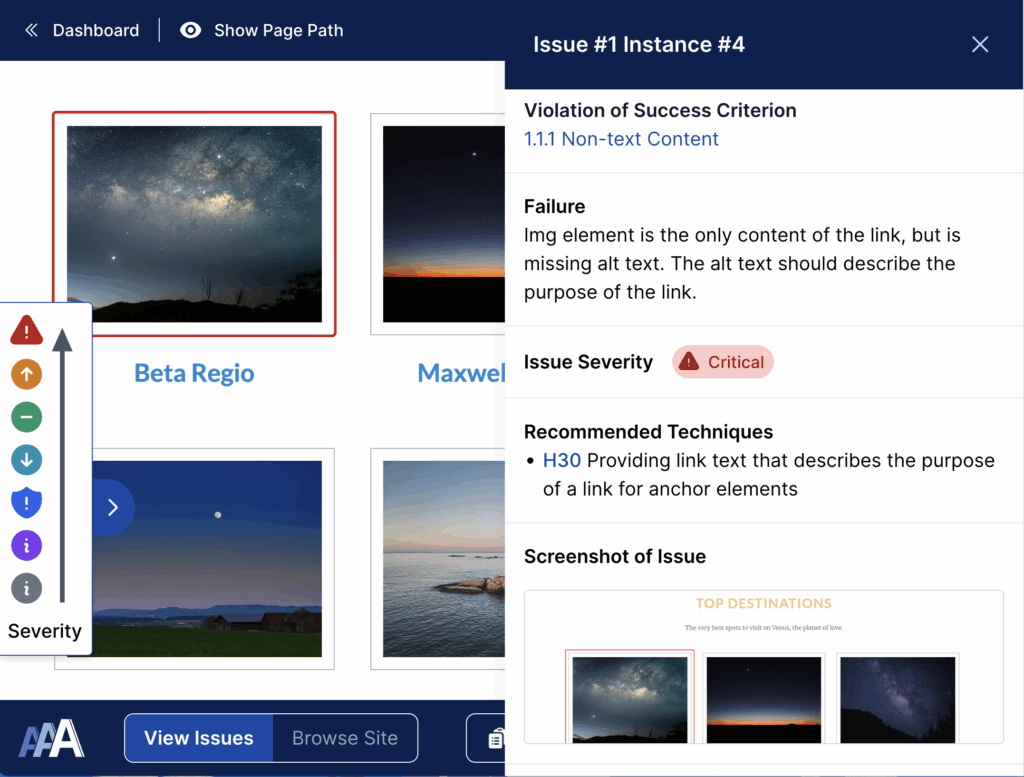
Real-Time Navigation: Use Visual Mode to identify and attach issues directly to elements on live pages.
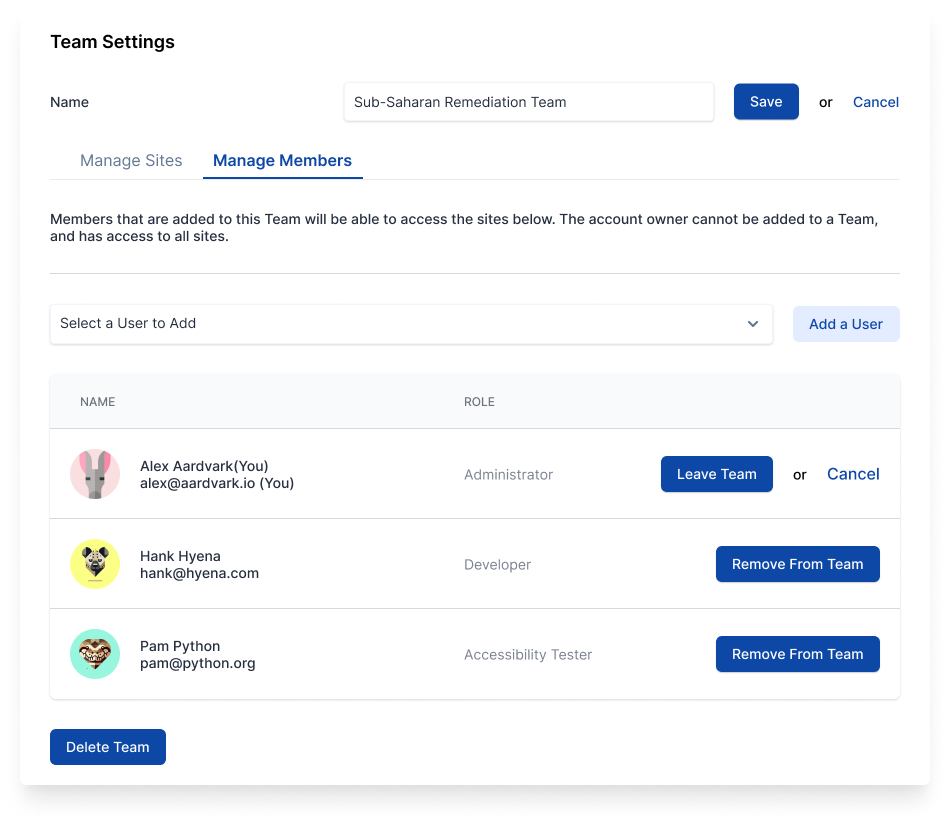
Collaborative Tools: Share audits with clients and teams, assign tasks, and track progress together.
A Better & Faster WCAG Audit Process
Intelligent Automation
Traditional audits mean filling the same fields over and over, switching between tabs, and losing time to busywork. AAArdvark automates the repetitive parts:
- Automatically fill repetitive fields for faster and more accurate logging.
- Group similar issues across pages so you can fix the pattern once and resolve dozens of findings together.
- Load live website pages directly into AAArdvark to reduce context switching.
Manual Review Workflow
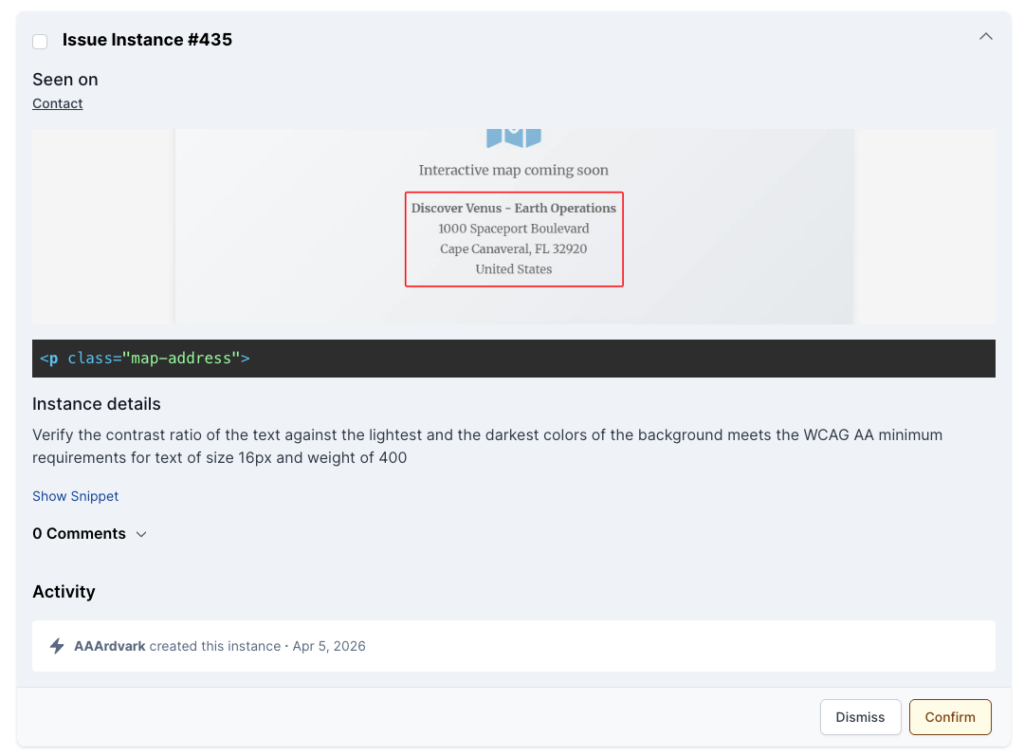
Automated scans flag items that need a human to confirm. AAArdvark turns that list into a clear triage process:
- Evaluate each flagged item, then confirm it as a real issue or dismiss it as a false positive.
- Confirmed issues move into the full tracking workflow while dismissed items stay out of your reports.
- Track review progress at a glance so items don't get stuck waiting.
Rich Issue Details
Each issue includes the details developers actually need to fix it:
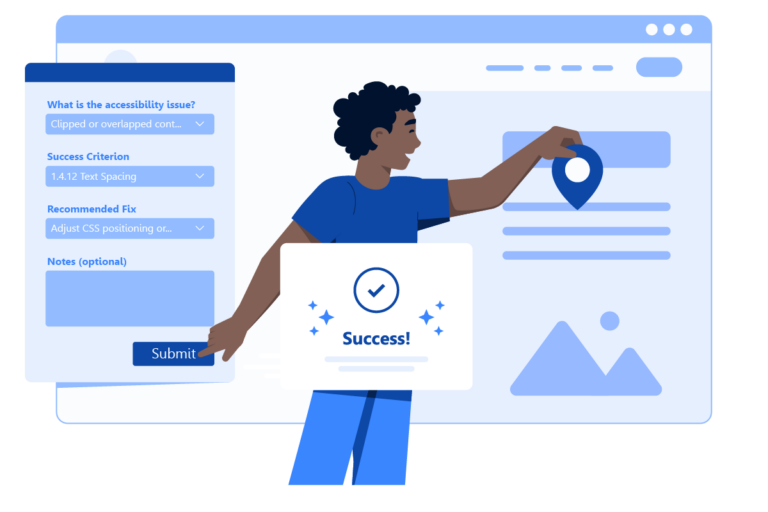
- Include comments, notes, and screenshots automatically captured during logging, complete with a red outline around the affected element.
- Attach WCAG references for quick access to guidelines.
- Give developers the issue, the fix, and the context - without a back-and-forth.
Team Collaboration & Reporting
Share your work and keep everyone on the same page:
- Share finished audits with clients and their teams.
- Discuss issues, track resolutions, and keep monitoring for regressions.
- Provide clients with auto-generated reports for clear insights into accessibility progress.
“AAArdvark has been very helpful in identifying issues so I can prioritize my work to improve our site accessibility. As a team of one, I need to be able to direct my efforts where they will have the most impact. I have also been impressed with their support. When I reached out with a question about why some tables were flagged, I received a prompt and helpful explanation and even some suggested code to convert the information to a more semantically appropriate description list.”
– Paul
No credit card required.
Intuitive & Efficient Accessibility Audits
Smart Issue Logging
Save time with specialized logging tools that reduce tedious, repetitive tasks
- Log issues quickly by selecting page elements and predefined failures
- Automatically include information such as URL, page section, severity, and recommended fixes.
- Provide rich details with comments, an automatic highlighted screenshot, and links to WCAG resources.
Issues That Stay Put
Keep logged issues attached to the right elements, even as pages change:
- Match elements by content like image sources, text, CSS classes, and link destinations instead of brittle selectors.
- Preserve logged issues when layouts shift, classes get renamed, or sections move around.
- Skip the re-work of re-logging the same findings after every site update.
From Audit to Remediation
Move from auditing straight into remediation:
- Assign tasks to team members and track their status.
- Collaborate with clients using comments, revision history, and detailed reports.
- Provide ongoing feedback and monitoring through AAArdvark’s integrated tools.
Visual Mode for Real-Time Insights
With AAArdvark’s Visual Mode, you can:
- Pinpoint issues directly on live pages with sticky notes that provide context and precise location details.
- Streamline communication by visually marking issues, reducing the need for lengthy explanations to developers.
- See manual findings and automated results together, so nothing falls through the cracks.
Friendly, Human Support You Can Count On
Need help? Our support team actually knows accessibility.
- Fast 1-day response times
- Personalized, human-first support - no bots
- Guidance from real accessibility professionals
Built by Accessibility Professionals, for Accessibility Professionals
AAArdvark isn’t another quick-fix overlay. It’s a platform built by a team with 25+ years of hands-on accessibility experience to help designers, developers, and accessibility professionals find and fix real accessibility issues – and keep them fixed.
No credit card required.
Plans start at $0/month. All features included on every plan. No per-seat charges.