

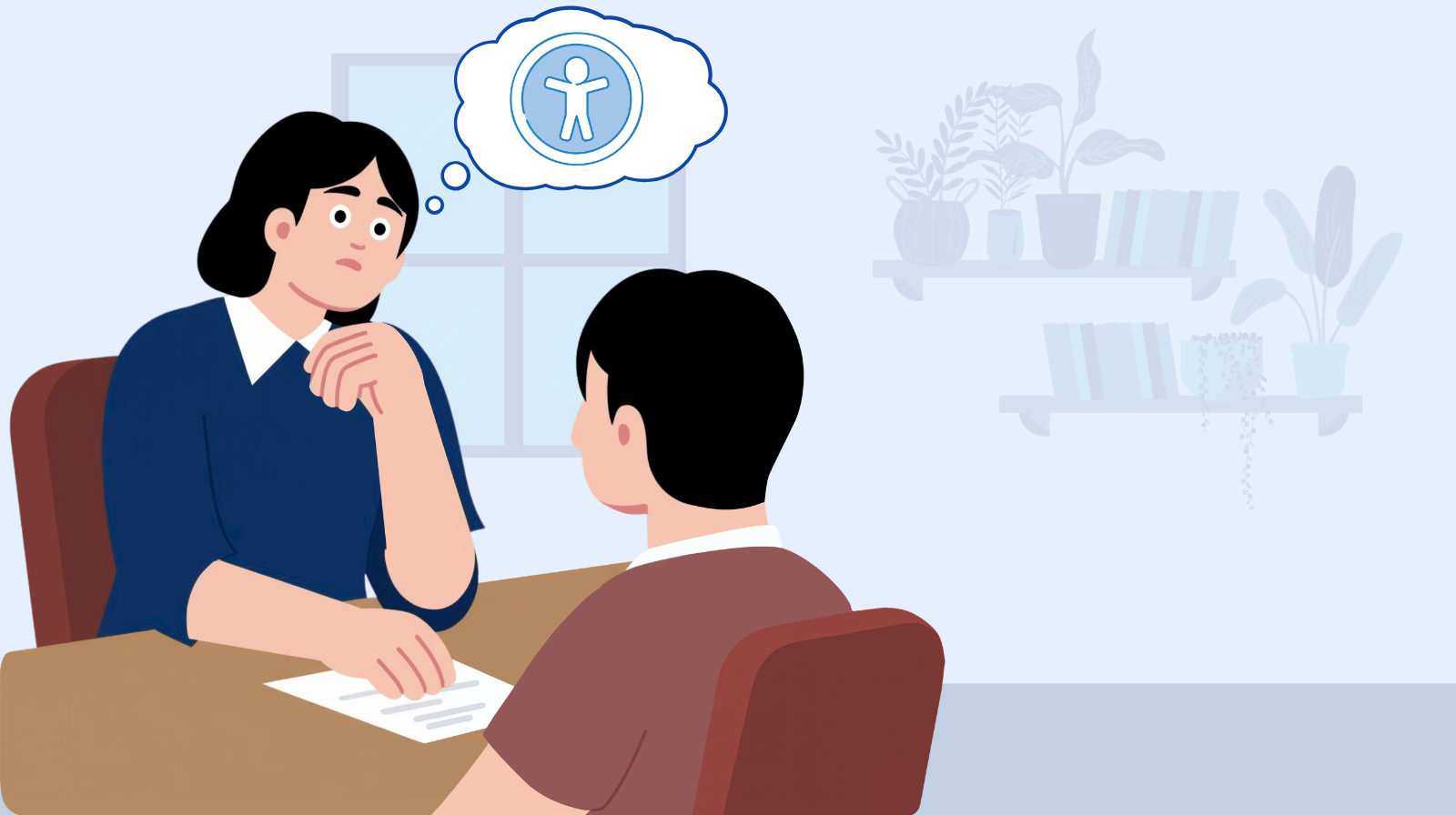
You already know accessibility matters. That’s not the problem.
The problem is that you’re sitting across from a client who’s focused on launch timelines and budget, and you can’t figure out how to bring it up without sounding like you’re lecturing them. So you don’t. You tell yourself you’ll mention it next time. Or you quietly build in what you can and hope nobody asks why it took a little longer.
I’ve been there. I’ve watched agency owners and freelancers who genuinely care about accessibility go silent in exactly the moments where speaking up would matter most. Not because they don’t know enough, but because they don’t know how to start the conversation.
This is the skill gap nobody talks about. We spend so much time learning WCAG, mastering ARIA, and improving our testing workflows. But the hardest part of accessibility work isn’t the technical implementation. It’s finding the words to explain why it matters to someone who hasn’t thought about it yet.
The hardest part of accessibility work isn’t the technical implementation. It’s finding the words to explain why it matters to someone who hasn’t thought about it yet.
Start with why it actually matters
Before we get into frameworks and tactics, I want to be clear about something: accessibility isn’t a feature you’re upselling. It’s about whether real people can use the things you build.
One in four US adults has a disability. Globally, that’s 1.3 billion people. And those numbers are even larger when you factor in temporary and situational disabilities such as a broken arm, an ear infection, using your phone in bright sunlight, or navigating one-handed while holding a baby. When a website is inaccessible, it’s not a minor inconvenience. It’s a barrier that prevents people from doing things the rest of us take for granted like booking a doctor’s appointment, applying for a job, buying groceries, or accessing their bank account.
This is a civil rights issue. The ADA, the European Accessibility Act, and Section 508 aren’t arbitrary regulations. They exist because people with disabilities have the same right to participate in digital life as everyone else.
When you bring up accessibility with a client, you’re not pitching them on a nice-to-have. You’re telling them the truth about who their website currently excludes. That’s an honest conversation, and your clients deserve to have it.
Translating for your audience
But here’s the tension: you know accessibility is about people and their rights. But your client is thinking about deadlines, budgets, and business outcomes. That doesn’t make them a bad person. It means they’re operating in a different context with different pressures.
Your job isn’t to sell them on accessibility. It’s to translate what you already know into a language that connects with what they’re thinking about. I use a framework I call the 4 R’s: four angles that help you meet decision-makers where they are.
1. Risk
Legal exposure is real and growing. Over 5,100 ADA web accessibility lawsuits were filed in 2025 alone. The DOJ has made it clear that the ADA applies to websites. The European Accessibility Act went into effect in June 2025. The average demand letter settlement for small businesses runs from $5,000 – $20,000 before you even get to court or start budgeting for audit and remediation work you’ll likely be required to do. For clients in regulated industries like education, healthcare, government, and finance, this is often the angle that gets their attention.
2. Reach
If your client’s site isn’t accessible, they’re not reaching a significant chunk of their potential audience and they probably don’t even know it. People with disabilities don’t typically file complaints about inaccessible websites. They just leave. Your client’s analytics won’t show the users they’re losing because those users never got far enough to be counted.
Your client’s analytics won’t show the users they’re losing because those users never got far enough to be counted.
3. Reputation
Companies and organizations make public commitments to inclusion and diversity, and then ship inaccessible websites. That disconnect is increasingly visible. On the flip side, actually walking the walk on inclusion is a genuine differentiator. Not just as marketing, but as evidence that a company means what it says.
4. Revenue
The global spending power of people with disabilities and their households is roughly $13 trillion. Accessible sites consistently rank better in search. And the usability improvements that make a site accessible tend to lift conversion rates for everyone.
The key is that these aren’t the reason accessibility matters. People’s right to use the web is the reason. But these are the angles that help a CFO or a marketing director understand why it deserves priority and budget right now, in their context.
You don’t use all four at once. You read the room and lead with the one that connects. Talking to a CFO? Risk and revenue. A marketing director? Reputation and reach. A product owner? Reach and revenue. Start with whatever gets you in the room, then layer in the others. Risk gets attention. User stories create empathy. The business case sustains the budget.
The pushback you’ll hear (and how to reframe it)
Even with the right framing, you’re going to get pushback. That’s normal. Here are the objections I hear most often and how to respond without getting defensive.
“Our users don’t need that.”
This one sounds like a fact, but it’s an assumption. People with disabilities often leave silently. They don’t file complaints because they can’t get far enough into the experience to find the complaint form. Your client isn’t hearing from users with disabilities because the barriers are keeping them out before they can speak up.
“We’ll add it later.”
Later rarely comes. And when it does, retrofitting accessibility is dramatically more expensive than building it in from the start. It’s the difference between pouring a ramp when you’re laying a foundation versus jackhammering a finished sidewalk. Every new feature built on top of an inaccessible foundation creates more work to untangle down the road.
“It’s too expensive.”
Compared to what? A single demand letter can cost $20K or more to settle and comes with additional costs of audits and remediation. But more importantly, the cost of building accessibly from the start is often modest. Building accessibly is just building things properly. We don’t itemize “making the site responsive” as an add-on anymore. Accessibility belongs in the same category.
“We passed the automated scan.”
Automated tools catch, at best, around a third of accessibility issues. That’s like saying a building is accessible because from the outside, you can see a ramp to the front door. You haven’t checked if there’s an elevator, if the doorways are wide enough, or if the bathrooms are accessible. Automated testing is a starting point, not a finish line.
“Nobody’s complained.”
This is really the same objection as “our users don’t need that,” just wearing a different hat. The absence of complaints is not the absence of barriers. It usually means the barriers are working exactly as barriers do. They keep people out before they can say anything.
The absence of complaints is not the absence of barriers.
One more thing about pushback: don’t get defensive. Stay curious. If a client says something you disagree with, try “help me understand why you see it that way” before jumping to the reframe. People are more receptive when they feel heard first.
Show, don’t tell
The most powerful thing you can do in a client conversation is let them experience what inaccessibility feels like. One live demo is worth a hundred slides.
The tab test. Ask your client to set their mouse aside and navigate their own website using only the keyboard. It takes thirty seconds to create an “aha” moment. When they can’t reach the navigation, can’t see where they are on the page, or get trapped in a widget they can’t escape, they get it instantly.
The screen reader test. Even a sixty-second demo with VoiceOver or NVDA on a page with missing alt text and unlabeled buttons is visceral. Let them hear the chaos. Let them hear “link, link, link, image, image, button” with no context. That experience lands differently than any explanation you could give.
Adjust the view. Zoom the page to 200% or try using a color blindness simulator. These take seconds and make the impact of design choices immediately visible, even to someone with no technical background.
The goal is the same every time: help the person across the table understand, even briefly, what it’s like to be shut out of a website. That’s what shifts the conversation from abstract to real.
Start with one conversation
If you’ve read this far and you’re thinking “I should really start doing this,” here’s what I’d suggest.
Pick one client. Think about what they care about and which angle will help them understand why accessibility deserves attention. Pick one demo you can try in the next two weeks.
You don’t need the perfect pitch. You don’t need to memorize WCAG. You don’t need to be a seasoned accessibility expert to have this conversation. You just need to care enough to be honest with the people you work with about who their website is leaving behind.
I wrote about this in January when I laid out a quarter-by-quarter accessibility game plan for agencies. Q2 was specifically about bringing clients into the conversation and that’s exactly what this post is about. If you’re following along with that framework, this is your moment.
The agencies and freelancers who make the biggest difference with accessibility aren’t the ones who know the most about WCAG. They’re the ones who can translate what they know into language that makes other people care. That translation is worth practicing because every conversation you have is a chance to make the web a little more inclusive.
Start the conversation. See what happens.
Ready to show a client what you find?
Run a free scan on your client’s site before the conversation. AAArdvark gives you plain-language results you can walk through together with no technical background required.
No credit card required.
