

In May, I wrote about testing four AI tools on livestream. None of them reliably produced accessible code unless I asked for it. I wanted to see whether that still held, so this month I asked a few people to run a small test with me.
The pages did better than I expected. They weren’t finished, though, and most of the time the AI was clear that there was still work to be done.
How we ran the test
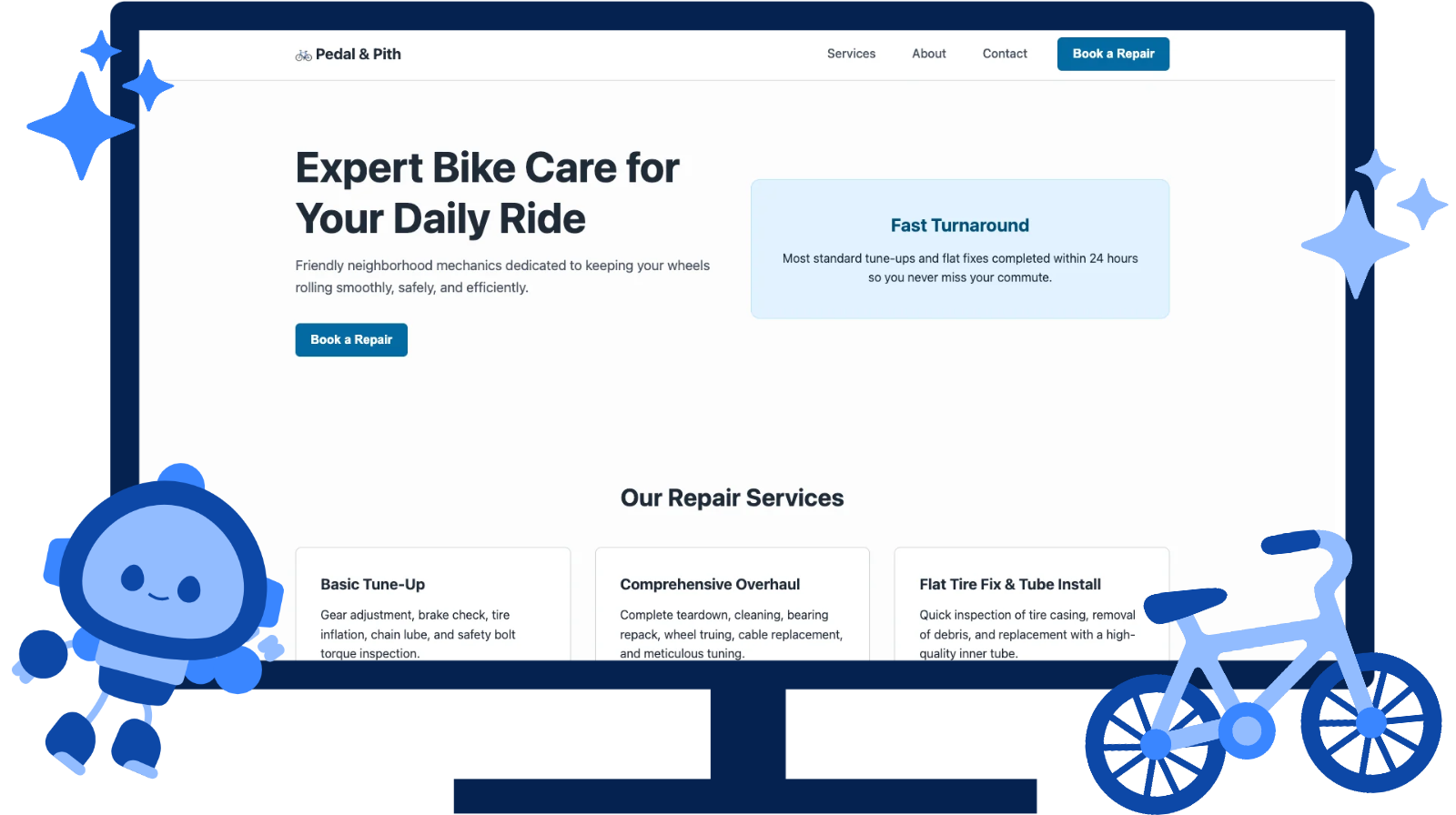
Everyone pasted the same prompt into the AI tool of their choice. It asked for a one-page website for a neighborhood bike repair shop, with a menu that collapses into a menu button on small screens, a “Book a repair” button that opens a dialog, and a booking form that shows errors when required fields are empty. The last sentence said, “The page must meet WCAG 2.2 Level AA.” (WCAG stands for Web Content Accessibility Guidelines.) That last sentence was optional and some runs included it while others did not.
After the page was created, the testers asked the AI whether its page met WCAG 2.2 Level AA. They rated how confident they themselves were that someone using only a keyboard could use the page. Then they put their mouse aside, and worked through eight keyboard checks.
We got 8 runs from 5 different people, using Claude, ChatGPT, and Gemini. Three of those people have a lot of accessibility experience, and one uses a screen reader every day. Three of the runs came from my team, and two of those were mine. This is a small, informal test, not a study, so read the numbers that way. I’ll also say up front that AAArdvark sells accessibility testing tools.
The biggest limit is this: we only tested keyboard access. We used a short keyboard test as a quick stand-in for manual testing, and nobody tested these pages thoroughly. We didn’t check color contrast, zoom, screen reader announcements, or most of what WCAG covers. These pages almost certainly have other accessibility problems that we never looked for. When I say a page “passed,” I mean it passed the eight keyboard checks that were performed as part of the test. Nothing more.
What the AI-built pages got right
On every page, testers could reach every link, button, and form field with the keyboard. Every dialog moved focus inside when it opened, and Escape closed it and put focus back on the button that opened it. Five of the eight runs passed all eight checks.
One tester went in expecting a poor experience for keyboard users and came out pleasantly surprised. So did I, honestly.
But a page that passes a basic keyboard test isn’t the same as an accessible page. It just means these particular keyboard issues didn’t show up.
The AI knew it hadn’t done the job
When asked whether its page met WCAG 2.2 Level AA, the AI answered “partly” in 7 of 8 runs. Several answers explained why: the AI had reviewed its own code but hadn’t tested the page itself, in a browser or with a screen reader. One called its page “a strong AA-oriented build that still needs a verification pass.”
That’s a fair description of every page in the test.
The only “yes” came on one of my own runs. That page had no skip link, so a keyboard user has to tab through the entire navigation before reaching the content.
The people running the test came out more confident too. Confidence went up after testing in 6 of the 8 runs. That makes sense when a page passes every check you try. It’s also why the checks matter so much. A short test can only make you more confident about the things it tests.
Where the pages fell short
Even with only eight checks, the problems showed up in the interactive parts of the page:
- In 3 runs, pressing Tab moved focus out of the open dialog and onto the page behind it.
- In 2 runs, submitting the empty form didn’t make it clear which fields had problems, or the errors couldn’t be reached.
- Skip links were hit or miss. Three worked, one was broken, and four pages didn’t have one.
People who rely on assistive technology every day find problems the rest of us miss.
Testers also found problems our checks didn’t ask about. One mobile menu inserted its links before the menu button, so you had to press Shift+Tab to go backward to reach them. On both of my pages, Escape didn’t close the menu on narrow screens. Another tester didn’t trust the browser’s built-in date picker and got the AI to replace it in one request.
Unsurprisingly, the tester who uses a screen reader every day found the most problems. Both of their runs had trouble with the dialog and with the form errors. Their verdict on one page: a keyboard-only user could get through it if they tried hard enough, and they’d hate it by the time they were done.
That’s one person, so I don’t want to make too much of it. But it’s a good reminder that people who rely on assistive technology every day consistently find problems the rest of us miss. That’s why it’s so important to include native assistive technology users in your testing.
And these are only the problems eight keyboard checks could catch. When an accessibility vendor asked five AI tools to build three accessible websites each, all 15 sites failed WCAG Level A, the most basic tier of the standard. It was a different test with a different prompt, but it shows what a deeper look tends to find.
Asking for accessibility changed less than I expected
Three runs left out the WCAG sentence. All three still got the dialog basics right, and only one of the three had a failure. The clearest difference was the skip link: none of the three had one.
One tester said it was hard to get a page without accessibility work. Even in a new chat without the WCAG sentence, the only change they could see was the missing skip link.
Three runs isn’t enough to draw a conclusion. But it’s a change from what I saw in May, when I had to ask for accessibility every time. I’d still recommend asking each time, or building in accessibility instructions to whatever model you’re working with.
What I’d tell anyone building with AI
Read “partly” as “not done.” The AI’s caveats are your to-do list.
Plenty of people skip the checking step. In an August survey of people responsible for their organization’s website, nearly 40% said they do no specific accessibility review on AI-generated code at all. If that’s you, here’s where I’d start.
Read “partly” as “not done.” The AI’s caveats are your to-do list. When it says it hasn’t tested in a browser or with a screen reader, that’s your cue that there’s still work to be done.
Spend 15 minutes with your keyboard. These are the checks we used, adapted for any page:
- Can you reach every link, button, and form field with Tab and Shift+Tab?
- Can you always see where you are on the page?
- When a dialog opens, do you land inside it?
- While the dialog is open, does Tab stay inside it?
- Does Escape close the dialog and put you back on the button that opened it?
- If you submit a form with missing information, can you tell which fields have problems, and can you reach them?
- At a narrow window width or high zoom, can you open the menu and use its links?
- Does a “Skip to main content” link take you past the navigation?
What it can’t do is test its work the way a person using it would.
This is a starting point, not a full test. It won’t tell you about color contrast, screen reader announcements, or most of what WCAG covers.
Test the parts that move. Dialogs, menus, and form errors are where our pages struggled. Those are the parts you can only judge by using them.
Ask the AI to fix what you find. Describe the problem the way a user would experience it (“when the dialog is open, Tab moves to the page behind it”), then test the fix.
Run an automated scan. A scanner catches things a keyboard test never will, like low color contrast and missing labels. At least one AI in our test said outright that it hadn’t run one.
Get feedback from people who use assistive technology. In our test, the person who uses a screen reader every day found the most problems.
Checking is still our job
The pages in this test did better than what I saw in May. The AI also seemed to know its limits better than I expected. What it can’t do is test its work the way a person using it would. That part is still up to us.
How are you checking what your AI tools build? I’d love to hear what’s working for you.
Check what your AI built
AAArdvark scans your pages for accessibility issues and explains each one in plain language, so you know what to fix and how. Whether your code came from your fingers or a model, start with the free plan and see where things stand.
No credit card required.
